

Getting Started with Figma Components
Learn how to create reusable components that speed up your design process. We’ll walk through the basics and show you why components save hours of work.
Read MoreLearn professional UI design, prototyping, and web project workflows in Figma. Resources for designers in Malaysia and beyond.
Whether you’re just starting with Figma or looking to refine your prototyping skills, we’ve gathered practical guides and tutorials that cover everything from basic interface design to advanced collaboration features. All designed to help you create better web projects, faster.
Explore guides and tutorials on Figma design, UI tools, and prototyping workflows
Learn how to create reusable components that speed up your design process. We’ll walk through the basics and show you why components save hours of work.
Read More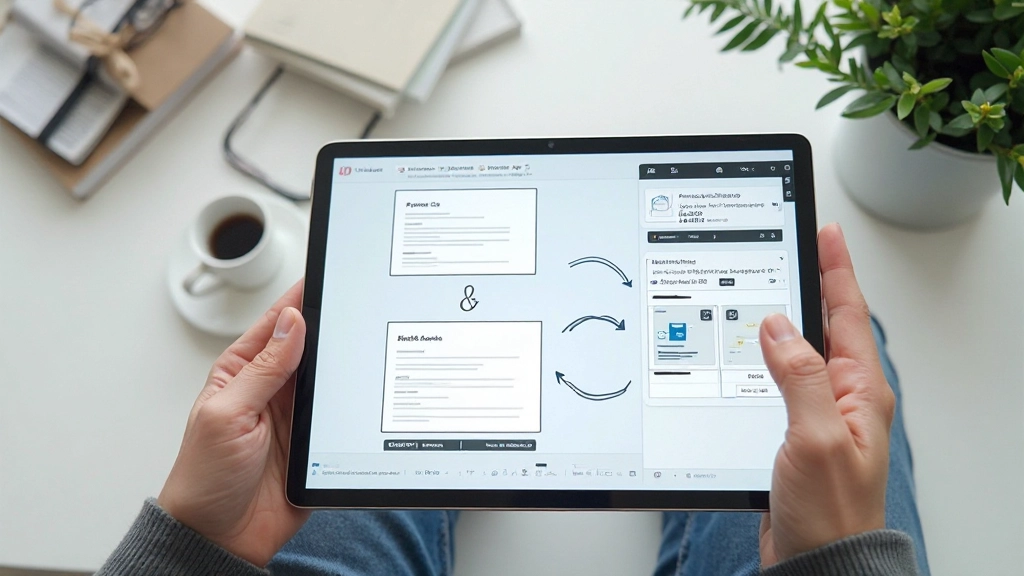
Master Figma’s prototyping tools to create realistic interactive flows. Discover how to connect screens, add animations, and test user interactions before development.
Read More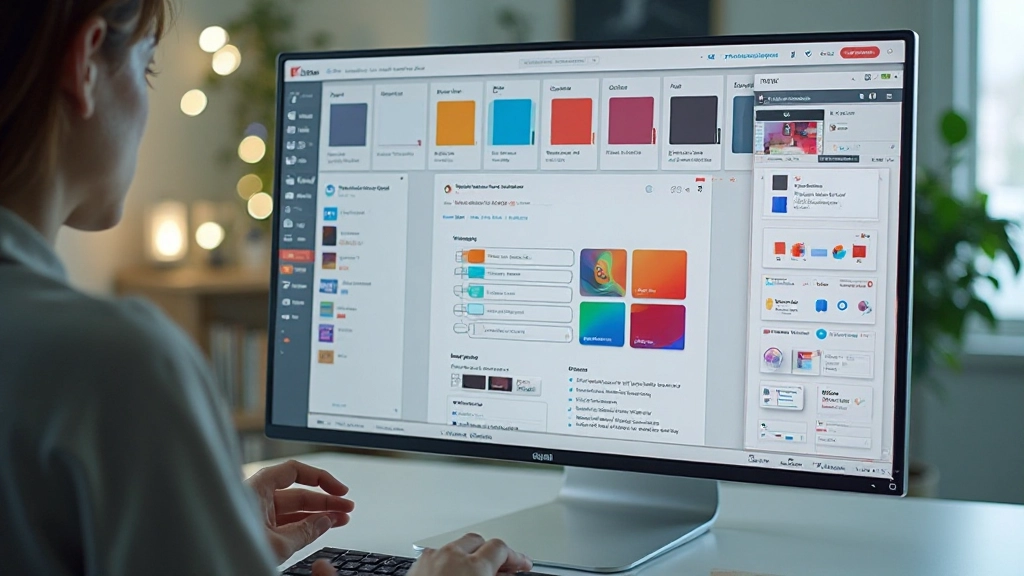
A step-by-step guide to creating a scalable design system. Learn how to organize components, manage tokens, and keep your team aligned on design standards.
Read More
Figma’s real-time collaboration features make teamwork seamless. We’ll cover sharing files, leaving feedback, and managing design handoff with developers.
Read More“Figma isn’t just a design tool — it’s how modern design teams actually work. Once you understand components and shared libraries, you’ll never go back to managing files manually.”
Whether you’re designing a simple landing page or a complex web application, Figma’s flexibility adapts to your workflow. Designers across Malaysia are using Figma daily to prototype faster, collaborate better, and handoff designs that developers can actually build from.
Master these fundamental areas to become confident with Figma
Create clean, professional UI layouts using Figma’s powerful design tools. Learn typography, spacing, alignment, and how to maintain visual consistency across pages.
Build reusable components that make design work faster. Understand variants, overrides, and how to structure a component library that actually scales with your project.
Connect screens, add animations, and test user flows. Learn how to create prototypes that feel real and communicate your design ideas to stakeholders and developers.
Work effectively with your team using shared files, comments, and version control. Understand how to hand off designs to developers in a way that actually makes sense.